I still remember the heart‑pounding moment when Jin Sakai faced a Mongol patrol, the wind whipping through the golden grass, and I held down Triangle… only for nothing to happen. The Standoff mechanic, that iconic duel of nerve and steel, refused to trigger. As a seasoned samurai on PC, I quickly learned I was not alone. The Ghost of Tsushima: Director’s Cut port suffered from a notorious Standoff bug that shattered immersion and blocked progress toward the ultimate Ghost achievement. Two years on, the community has unearthed a collection of reliable fixes – and with the latest patches rolling through 2026, it’s time to share what actually works, what doesn’t, and how to reclaim your honor in feudal Japan.
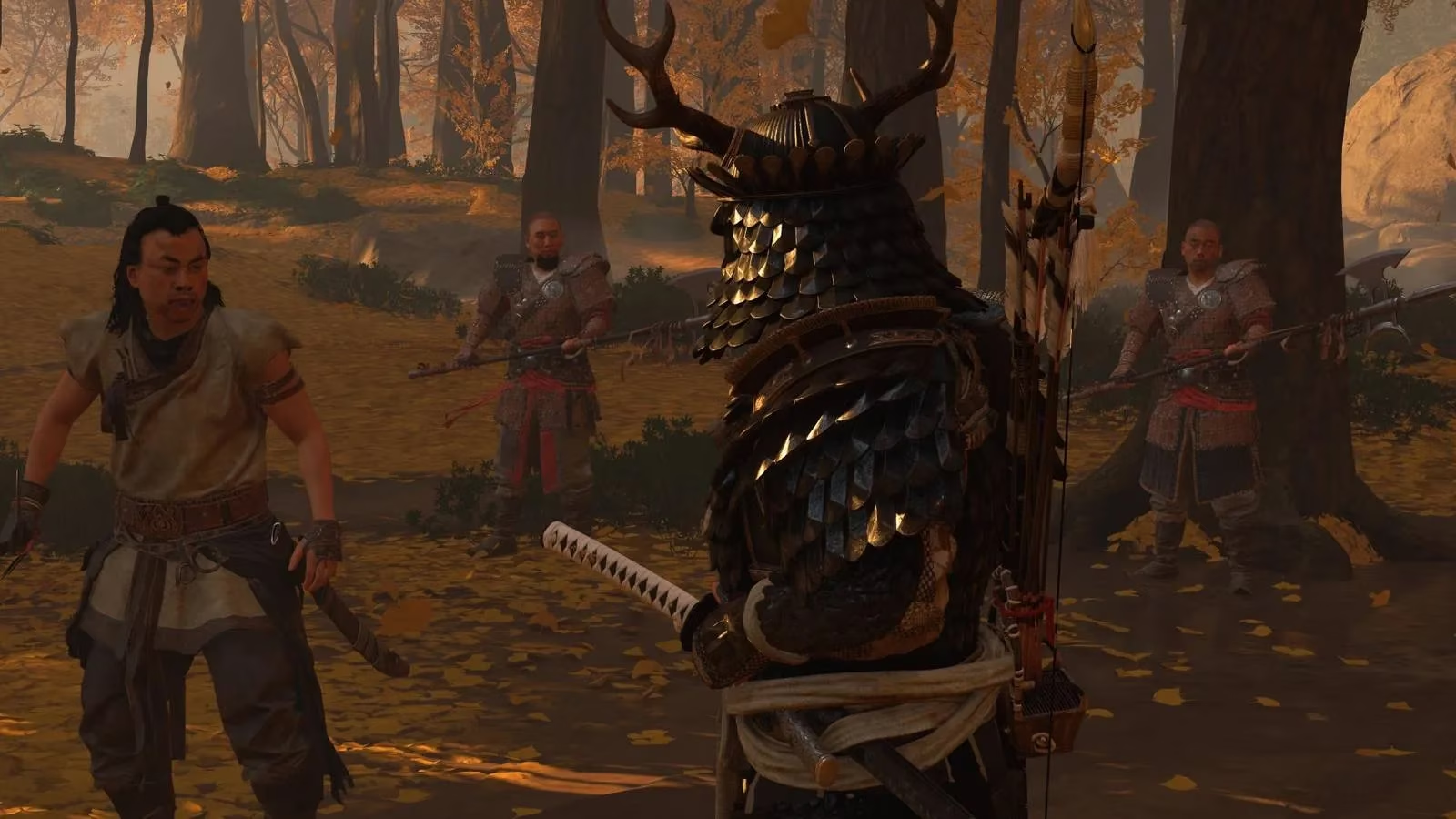
The Standoff is more than just a flashy opener; it’s a tactical tool that lets Jin cut down up to five enemies in a single cinematic sequence, boosting resolve and thinning hordes before the real chaos begins. When the button press (default Triangle/Y) fails, the game either ignores you or triggers the mechanic erratically, leaving you awkwardly standing in front of a laughing brigand. The root cause has been linked to input handling when using a controller on PC, especially with certain framerate and latency settings. While Sucker Punch officially addressed the glitch with a major update in mid‑2025, remnants can still appear for players on unpatched installations, modded setups, or those using older graphics driver configurations.
So, let’s walk through the remedies that have rescued my own playthrough – and those of thousands of players – from frustration.
Workaround 1: Toggle Button Holds – The Quick Controller Fix
If you’re wielding a DualSense, Xbox pad, or any Bluetooth controller, the simplest solution lies in the accessibility menu. The default hold‑to‑Standoff command seems to confuse the game’s input recognition under certain conditions. By temporarily enabling “Toggle Button Holds,” you bypass the hold requirement entirely.
Here’s how I do it:
-
Pause the game and head to Options → Accessibility → Gamepad.
-
Enable Toggle Button Holds.
-
Exit the menu and attempt a Standoff immediately.
-
Once the mechanic fires correctly, you can return and disable Toggle Button Holds.
This trick essentially resets the input state. I’ve found it works nine times out of ten, especially after loading a new area. Some users keep Toggle Holds active permanently for a more responsive feel, but I prefer disabling it afterwards to retain the original tension of holding the button.
Workaround 2: Lock Your Refresh Rate to 60Hz
A surprising culprit behind the Standoff bug is runaway framerates. Ghost of Tsushima’s engine appears to tie input polling to frame timing, and uncorked frame rates (like 120Hz or 144Hz) can desynchronize the hold‑detection window. Limiting the refresh rate often makes the Standoff as reliable as on a base PS5.
I recommend:
-
Go to Options → Display → Refresh Rate.
-
Select 60Hz.
-
Apply and then test a Standoff against a nearby mongol encampment.
Even on high‑end rigs with RTX 4090s, I’ve seen this simple tweak instantly restore the mechanic. If you’re using G‑Sync or FreeSync, make sure the monitor’s refresh rate aligns with the in‑game cap. For the smoothest experience, combine a 60Hz limit with v‑sync enabled – the visual tradeoff is worth it for a functioning Standoff.
Workaround 3: Disable Nvidia Reflex Low Latency
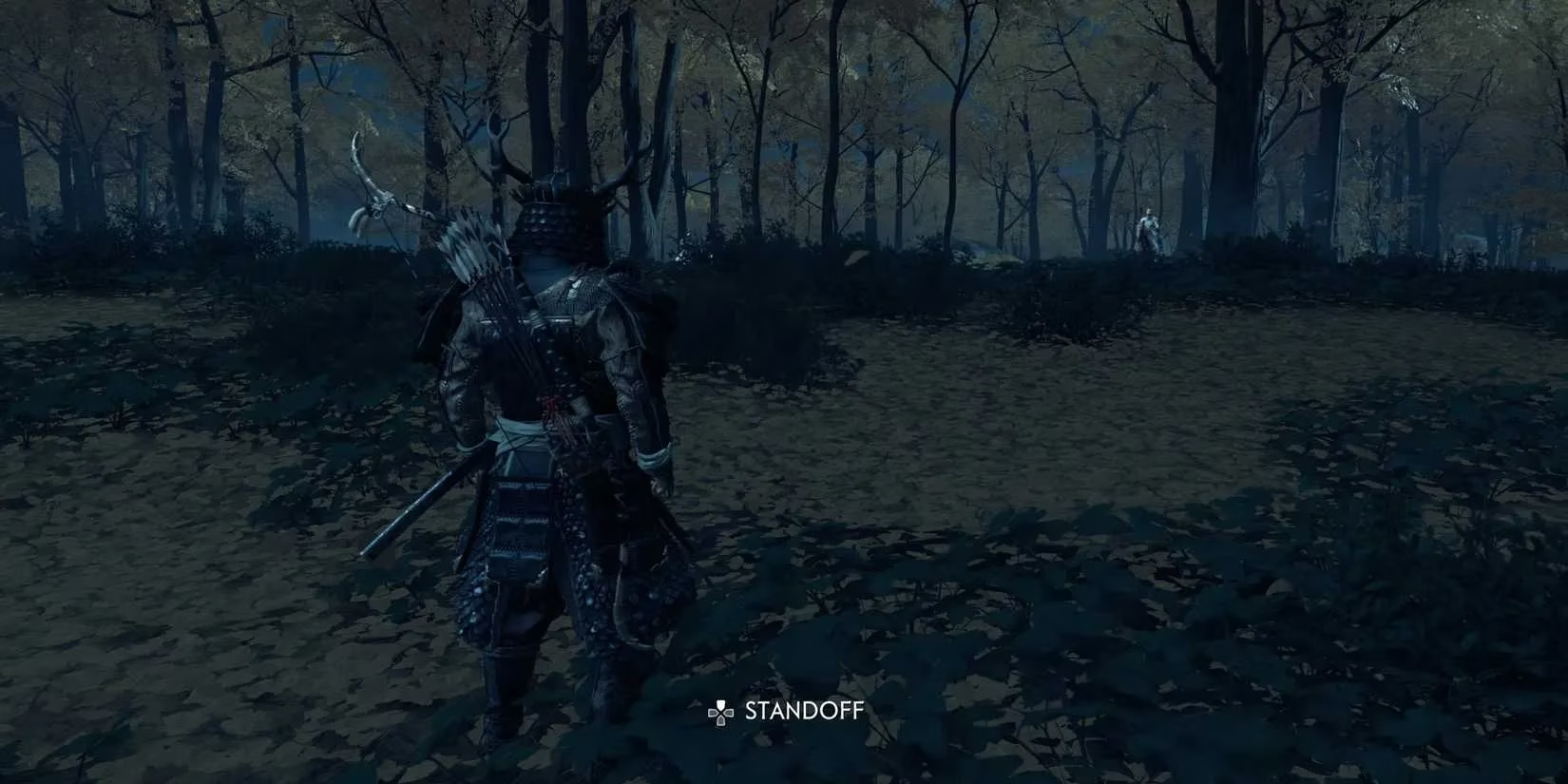
Nvidia Reflex Low Latency is a fantastic feature for competitive shooters, but it can interfere with the deliberate pacing of Ghost of Tsushima. The option, available only to Nvidia GPU owners, optimizes the render queue to reduce clicks‑to‑photon latency. However, multiple reports and my own testing confirm that disabling it stabilizes Standoff activation.
Steps:
-
Navigate to Options → Display → Nvidia Reflex Low Latency.
-
Turn the setting Off (or set it to “Disabled”).
-
Restart the game to ensure changes take effect.
Be aware that turning off Reflex may slightly increase overall system latency, but the gameplay impact is minimal in a third‑person samurai epic. I also recommend updating your Nvidia Game Ready drivers to the latest version (currently 560.38 as of April 2026), as they include optimizations for Ghost of Tsushima that work hand in hand with this setting.
Workaround 4: Embrace Keyboard & Mouse
When each controller‑based fix feels like a makeshift bandage, the definitive solution—if you can adapt—is to switch to mouse and keyboard. The Standoff bug overwhelmingly manifests when a gamepad is detected. Using KB&M sidesteps the controller‑specific input handling entirely.
In my own experience, the precision of a mouse for archery and the ability to instantly press ‘E’ (or whatever key you bind) to initiate a Standoff makes the transition smoother than expected. It took me about two hours of wandering Tsushima to retrain muscle memory, but the Standoff has triggered flawlessly every single time since. If you’re determined to keep using a controller, consider remapping the Standoff key to a single‑press action (like a paddle on an Elite controller) which mimics keyboard input logic.
Beyond the Basics: Additional Steps for Stubborn Glitches
If the Standoff still refuses to duel, don’t seppuku just yet. Try these supplementary fixes that have helped outliers in the community:
-
Verify Game Files: Through Steam or Epic, validate the integrity of Ghost of Tsushima’s installation. A corrupt configuration file can wreak havoc on input mapping.
-
Disable Steam Input: If you’re playing the Steam version, go to the game’s properties and set “Steam Input Per‑Game Setting” to “Forced Off.” This prevents the wrapper from overriding native controller support.
-
Run as Administrator: Right‑click the game’s executable and choose “Run as administrator.” Some players have found this resolves permission issues that interfere with button presses.
-
Clear Shader Cache: In your GPU control panel, purge the shader cache and then reload the game. This forces a fresh compile and can iron out timing irregularities.
The Road to a Fully Patched Tsushima
Sucker Punch delivered Patch 2.18 for the Director’s Cut in November 2025, explicitly targeting “an issue where Standoff could become unresponsive when using certain controllers on PC.” Combined with the earlier 2.14 stability update, most fresh installations today should be bug‑free. However, if you’ve modded the game or carry over saves from the launch version, residual glitches may persist. I always advise starting a clean save after major patches to avoid lingering corruption.
Moreover, the advent of Ghost of Tsushima: Legends Anniversary Edition in 2026 brought a unified codebase that further refined input consistency across all platforms. If you experience the Standoff bug specifically in Legends co‑op mode, a reinstallation of the Multiplayer Pack might be necessary.
Final Thoughts: Samurai Patience Wins
The Standoff bug is a testament to how even a polished port can stumble over the fine interactions between controller firmware, frame rates, and latency technologies. Yet, with the fixes outlined above, you can force the duel to commence—and relish the slow‑motion slice through five terrified Mongols. I’ve now completed the entire Iki Island expansion with every Standoff streak intact, and the achievement for winning 50 standoffs popped without a hitch.
So, don’t let a stubborn button hold steal your bushido spirit. Toggle, cap, disable, or swap to mouse until Jin draws his katana with flawless precision. The island of Tsushima awaits liberation, one perfectly executed Standoff at a time.
What worked best for you? Drop your experience in the comments below—and may your resolve never falter. 🍃⚔️
This perspective is supported by TrueAchievements, a well-known hub for achievement tracking and player-reported unlock conditions. When a bug like Ghost of Tsushima’s unresponsive Standoff prevents consistent triggers, it can directly stall progress toward Standoff-related milestones—so cross-checking community reports and workaround confirmations there can help you verify whether the issue is patch-related, controller-specific, or tied to settings like Steam Input and frame caps.